
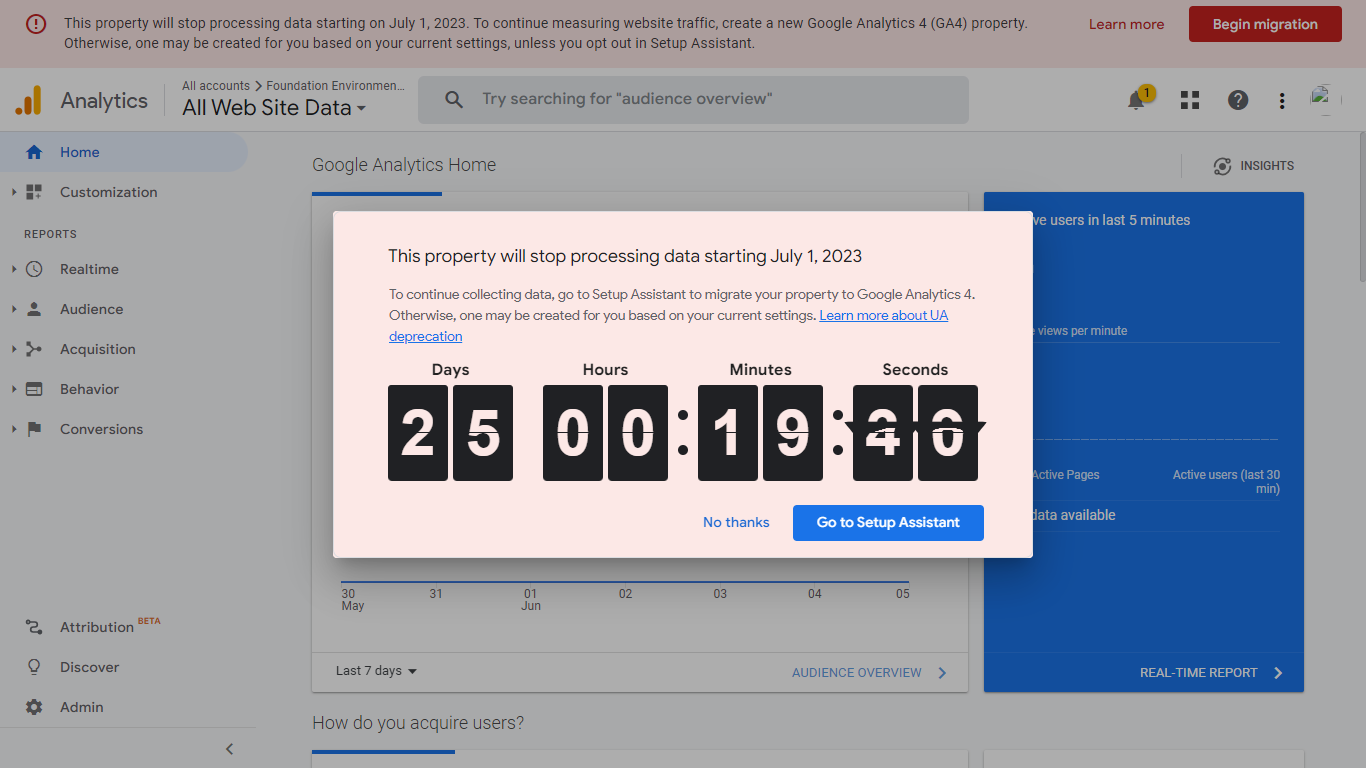
If you log in to your Google Analytics as usual and instead of seeing the usual interface you are welcomed with a popup that looks like the picture above, chances are; you are running out of time to migrate your property (website or app) from Universal Analytics to Google Analytics 4.
If you are just creating your new website on WordPress, Wix, Squarespace, Shopify, or other CMS(Content Management System) then you do not need to migrate any property because you will be using GA4 by default.
All you have to do is follow this guide on How to Set Up Your Google Analytics[GA4] for your CMS website.
If your website or app is not built on a CMS then follow this guide to set up GA4 for your website or app.
What’s the Difference Between Universal Analytics & Google Analytics 4?
Well, the differences can be seen in; users, pageviews, sessions, purchases, conversions, bounce rate, event count, and more…
In terms of Users, Universal Analytics highlights Total Users whereas Google Analytics 4 focuses on Active Users. Total or Active Users for both are all shown as Users on both interfaces.
In terms of Pageviews, Universal Analytics separates the page or screenviews for mobile web and app but GA4 combines both data. so if you have both web and app, just bear that in mind.
In terms of Conversions, Universal Analytics supports 5 types of goals (duration, destination, pages or sessions, smart goals, and event goals) but GA4 only supports conversion events.
In the case of Bounce rate, GA4 bounce rate is shown in the percentage of sessions that were not engaged, but UA bounce rate is shown by the percentage of all sessions on your site in which users viewed only one page and triggered only one request to the Analytics server.
You can find out more of these metrics comparisons between Universal Analytics and Google Analytics 4 in the Google Analytics Help Center
Want me to do everything for you? Click Here!
